
Reactions and Pins
Stay engaged with your team by reacting to posts, pinning important updates, and keeping track of what you’ve read.
Reactions
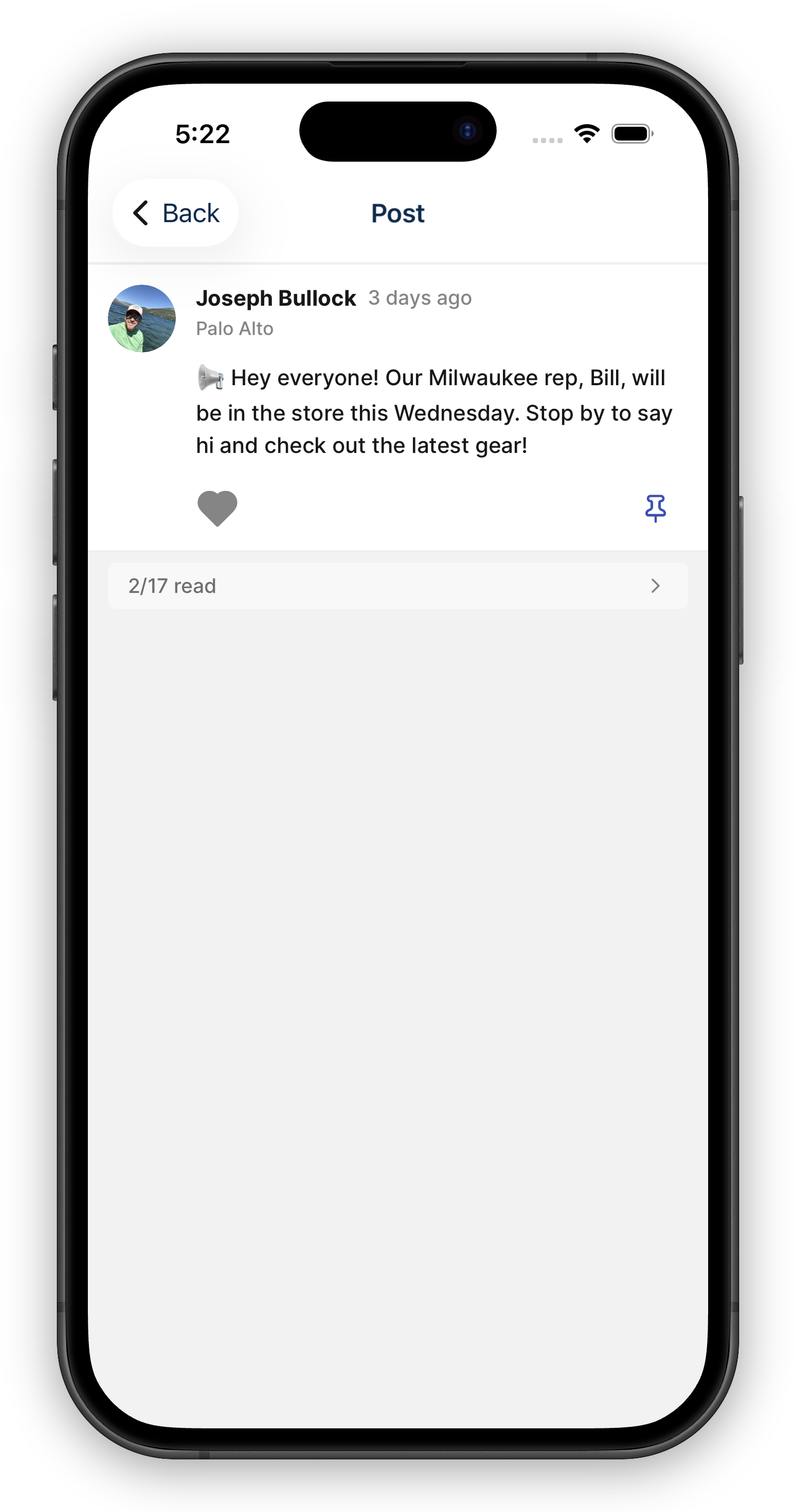
Section titled “Reactions”Tap the heart on a post to acknowledge or agree with it. It’s a quick way to show your team you’ve seen something without needing to write a reply. For an actual reply, see Comments.
Next to the heart you’ll see the avatars of the first few people who liked the post. Tap the avatar stack to see the full Liked by list.
Pinning Posts
Section titled “Pinning Posts”Any team member can pin important posts to keep them front and center.
- Pinned posts appear in a dedicated section above the main feed, so they’re always easy to find.
- When the information is no longer relevant, anyone with access to the post can unpin it and it returns to its normal place in the feed.
Pinning is great for announcements, policy changes, or anything the whole team needs to see.
Pinning only changes where a post sits in the feed — it doesn’t send anything. Every post already notifies its audience the moment it’s published, so there’s no need to pin a recurring post just to make sure people hear about it. See Feed Notifications.
Post Reach
Section titled “Post Reach”Every user post and weekly report shows a reach row above the card: “Reached X% of people” — the share of the post’s audience that has actually read it. Posts sent to more than one store also show the share of facilities reached.
Tap the reach row to open the readers panel:
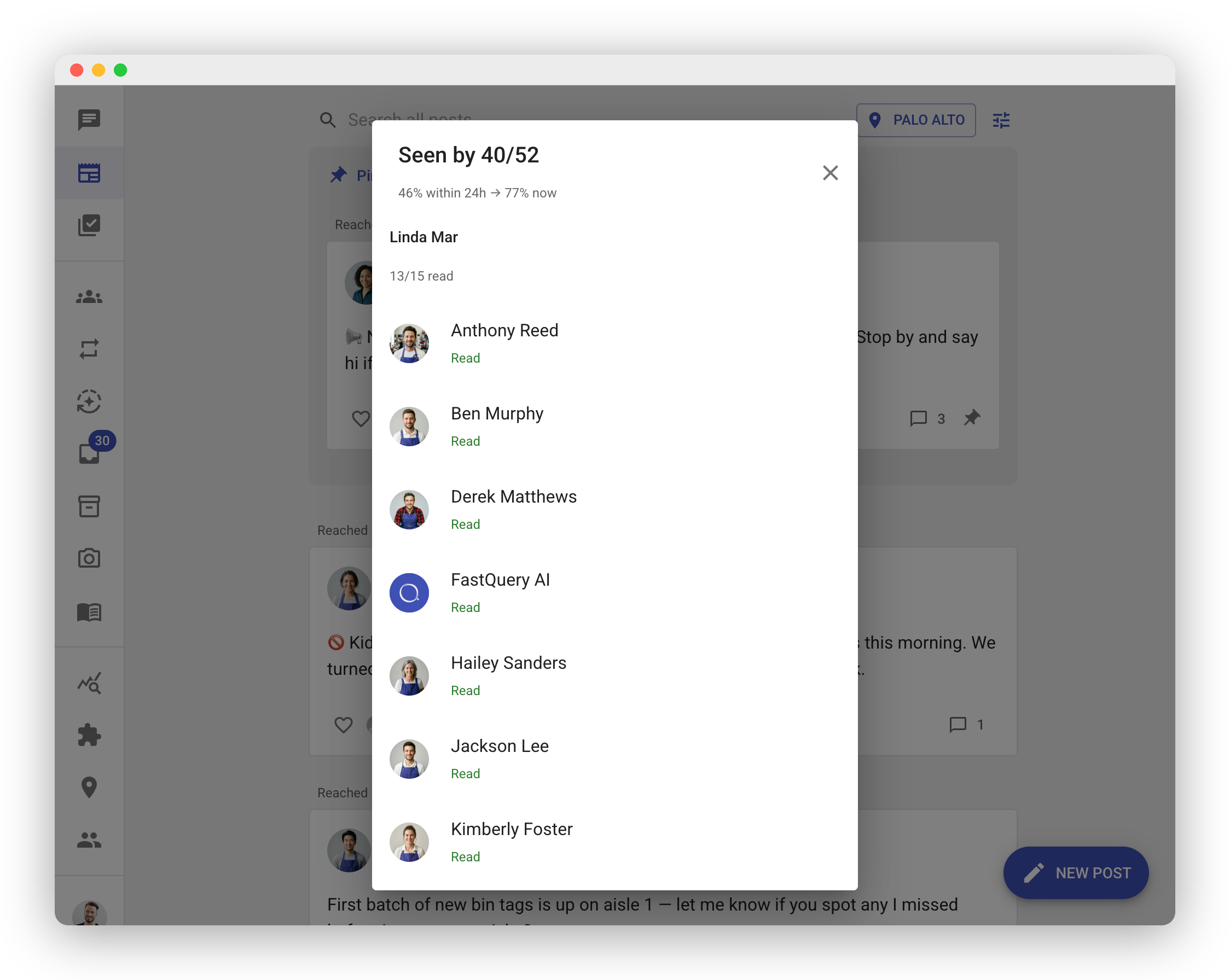
- Seen by X/Y — how many people in the post’s audience have read it.
- Grouped by store — for multi-store posts, readers are listed per facility with a per-store read count, so you can see exactly which store hasn’t gotten the message.
- Within 24h vs. now — how much of the team the post reached in its first day, compared to today. A big gap means the message landed slowly — worth a pin or a follow-up next time.
Reading is tracked automatically as people scroll the feed — nobody has to tap anything for their read to count.
Unread Tracking
Section titled “Unread Tracking”The Newsfeed makes it easy to stay caught up:
- Unread indicators — Posts you haven’t seen yet are marked with a visual indicator so they stand out.
- Feed badge — The Newsfeed icon shows a badge with the number of unread posts waiting for you.
- Automatic read tracking — As you scroll through the feed and view posts, they’re automatically marked as read. Just browse at your own pace to catch up.
Deleting Posts
Section titled “Deleting Posts”If a post needs to be removed, the original author, any admin, or anyone with post moderation at that store can delete it. Once deleted, the post is removed from the feed for everyone.